Side pane that adds context without breaking the flow
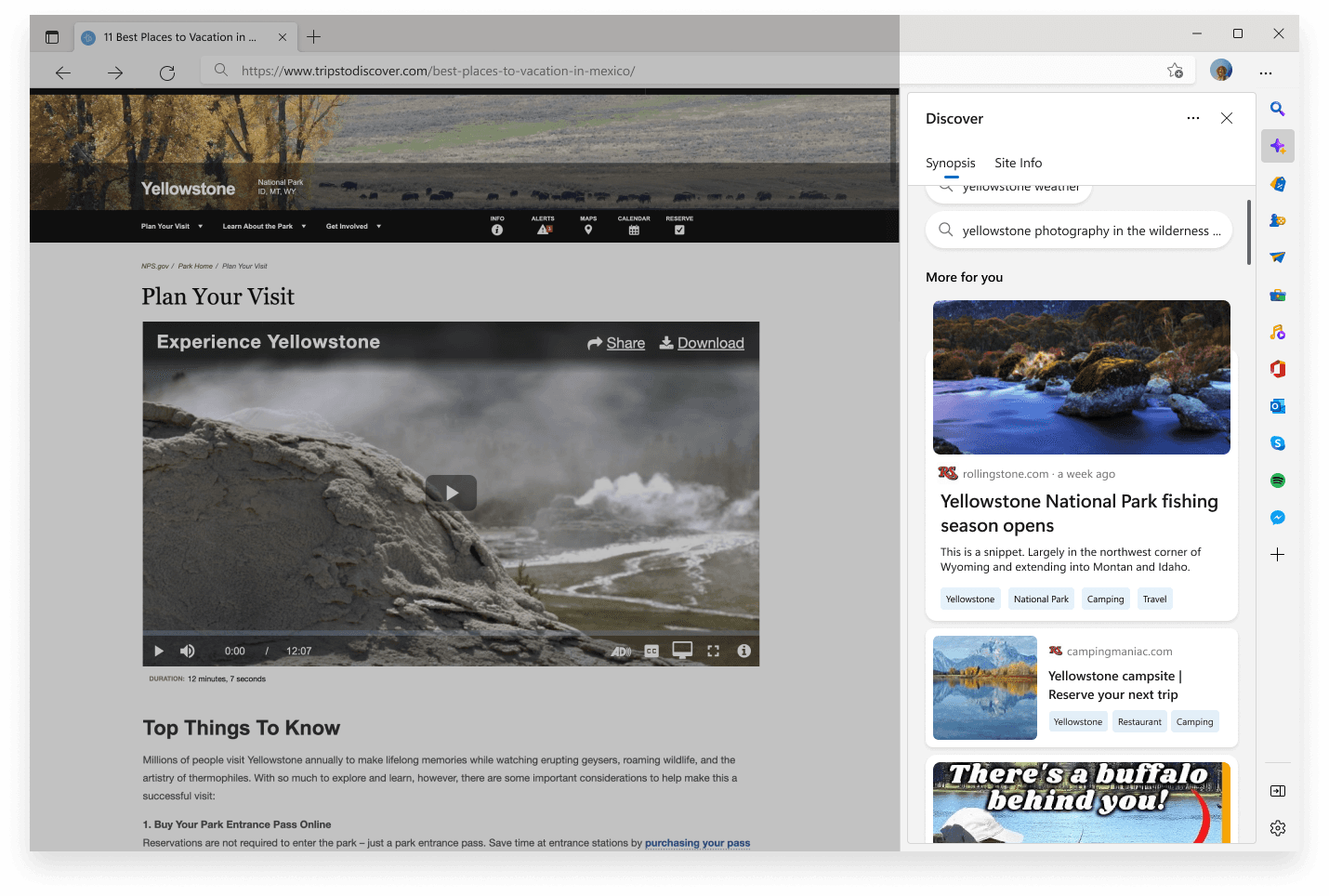
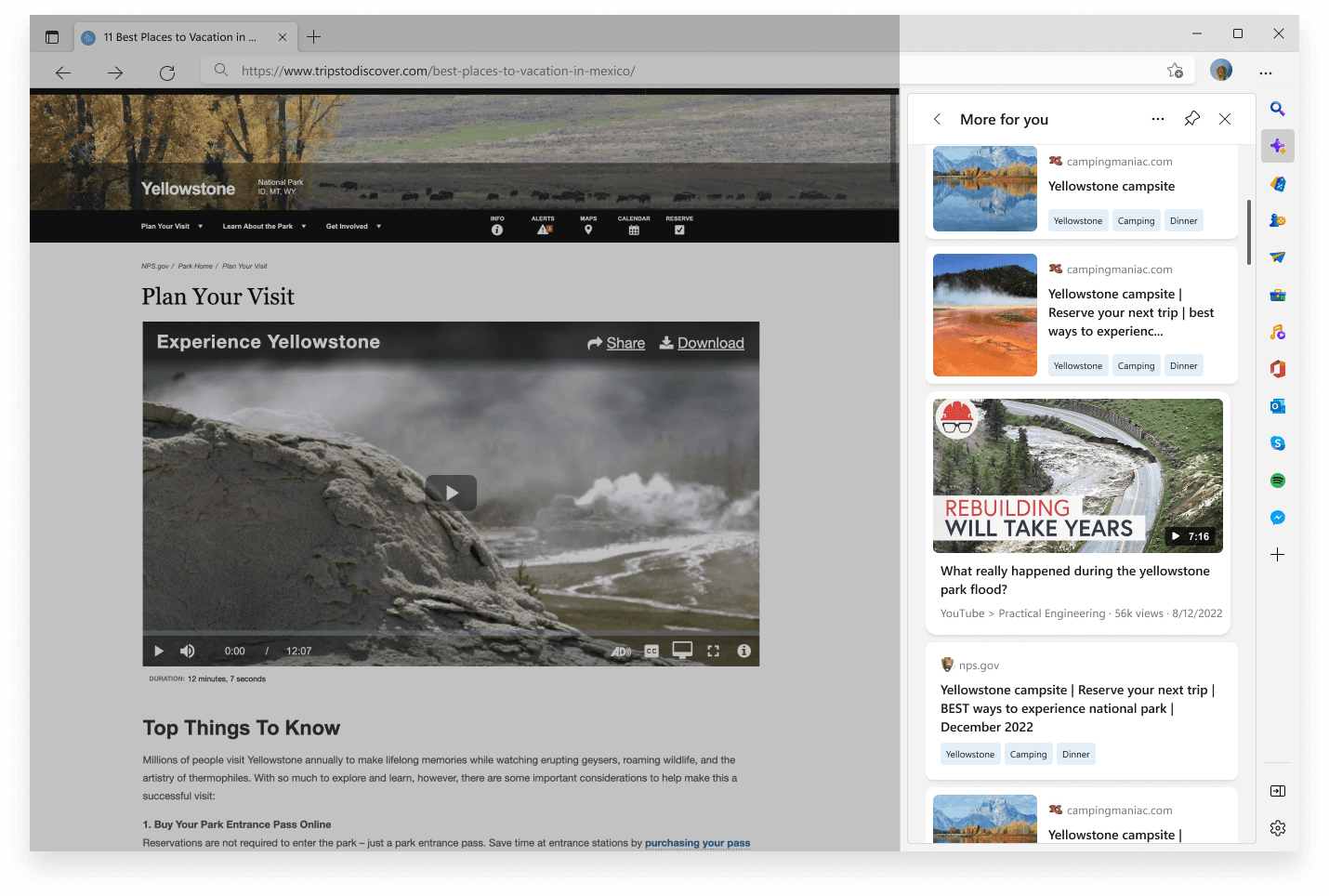
The world
You're reading an article. You hit a claim that needs context. You open a tab. Then another. Then five. You forget what you were originally researching.
That was browsing in 2022. The Edge team wanted the next tab to never have to open.
The question
Can a side pane add context to what you're reading without pulling you out of it?
Edge wanted a sidebar that worked with the page, not in spite of it — and that earned a permanent spot on the right edge of every visit.
What I designed
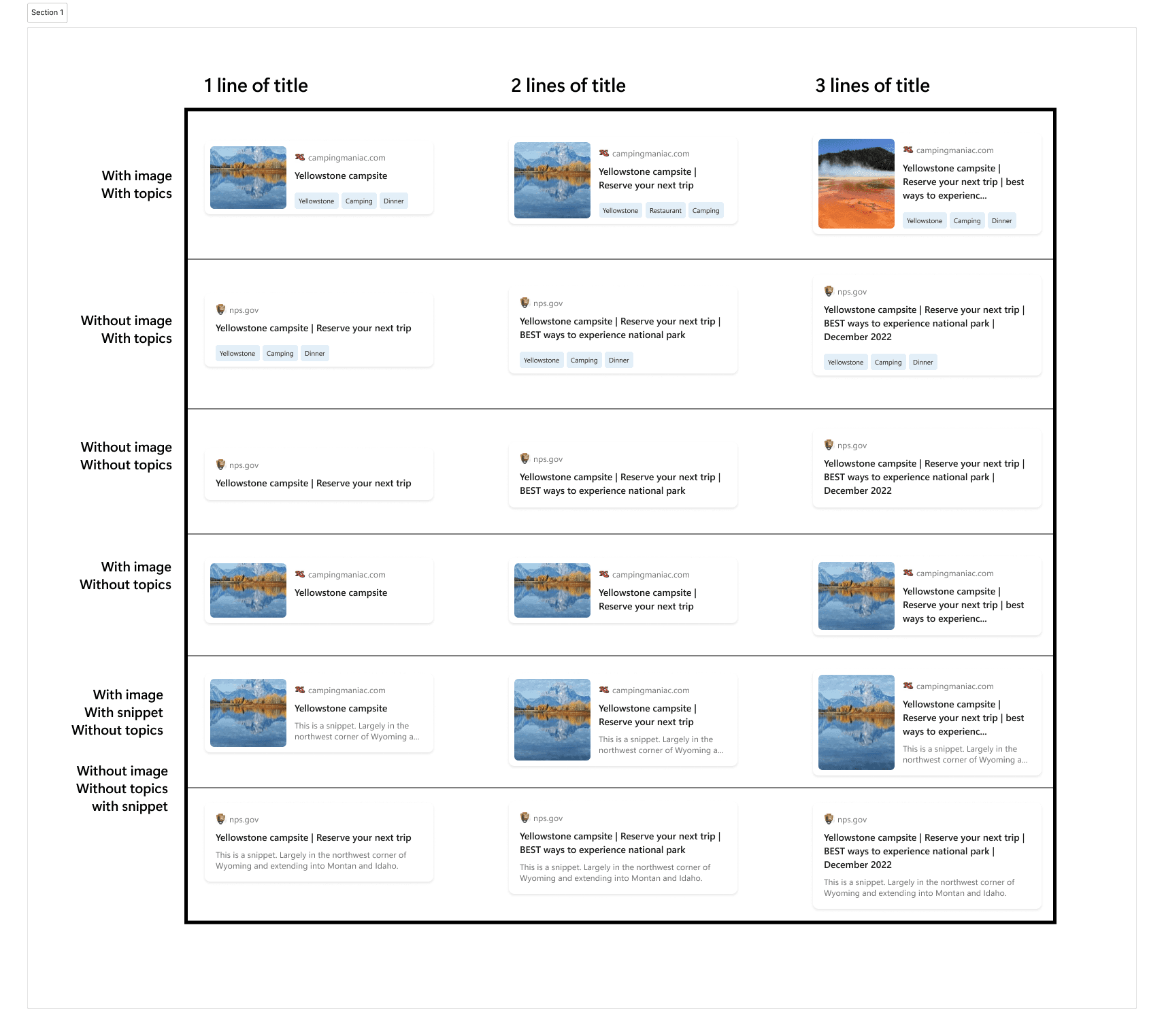
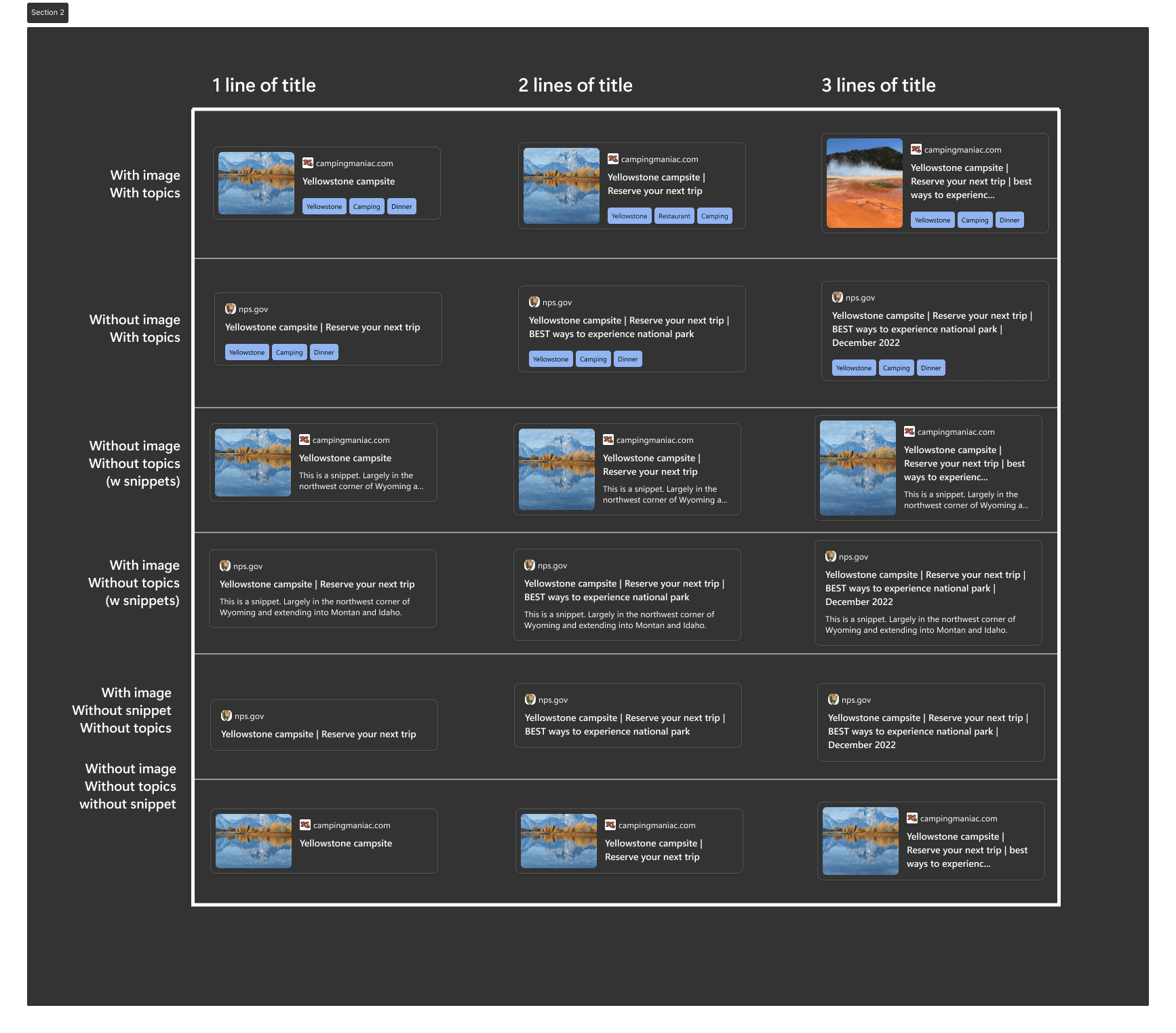
- A card system tuned for short attention. Every panel was a glanceable unit — a fact, a related read, a privacy signal. No infinite scroll. No engagement bait.
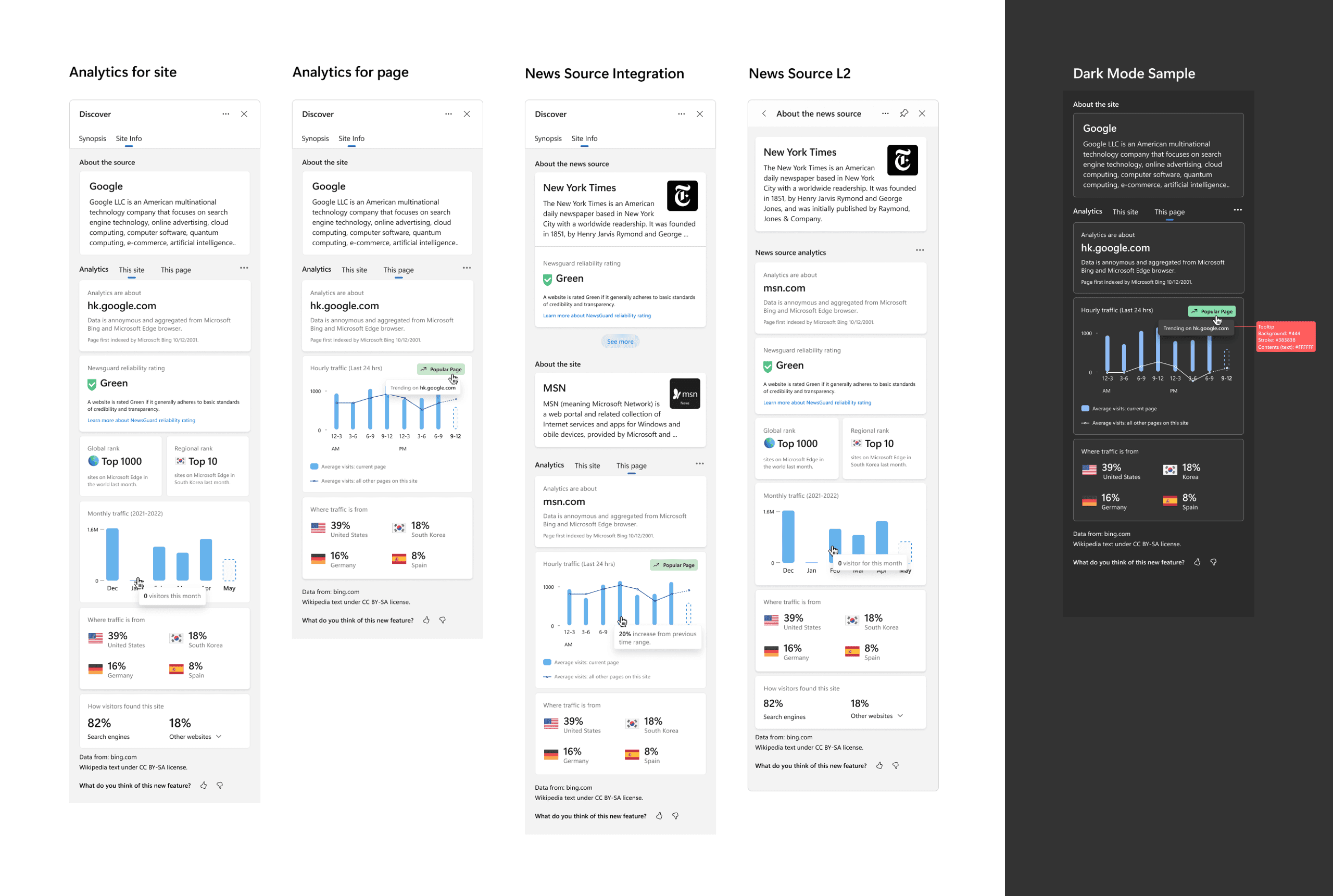
- Credibility infographics that didn't feel like a warning. Source reputation and privacy posture turned into small visual primitives — clear at first glance, never alarming.
- A visual language we could grow into. The token system, card grid, and infographic style became the foundation other Edge teams reused for personalization features.
The whole pane lived in the browser, not the page. So when it came to comments and ratings, the tempting answer was to put the conversation in Edge's layer too — one place, every site. Research said the opposite.
Readers didn't want to discuss an article inside their browser chrome. The conversation belonged to the website — where the content and its community already lived — not bolted onto the browser one layer up.
So I argued to keep comments and ratings native to the website, not the browser layer. It meant the sidebar did less — and that was the point. The pane added context; it didn't try to annex the conversation.
What changed
- The next tab stopped opening. A related read, a source signal, a privacy note — it arrived in the pane instead of in five more tabs. The sidebar did exactly the job the thesis set: add context without pulling you off the page.
- The scope held. Keeping comments and ratings native to the website kept the pane focused on what it was good at, instead of competing with the sites it sat beside.
- The visual language shipped past this feature. The token system, card grid, and infographic style became the foundation other Edge teams reused for their own personalization patterns.
“Kayla came in with a passion for great design work, a great work ethic and a growth mindset. She asks the right questions to get more information, works quickly and efficiently, and takes direction and feedback very well.”